← MyYoda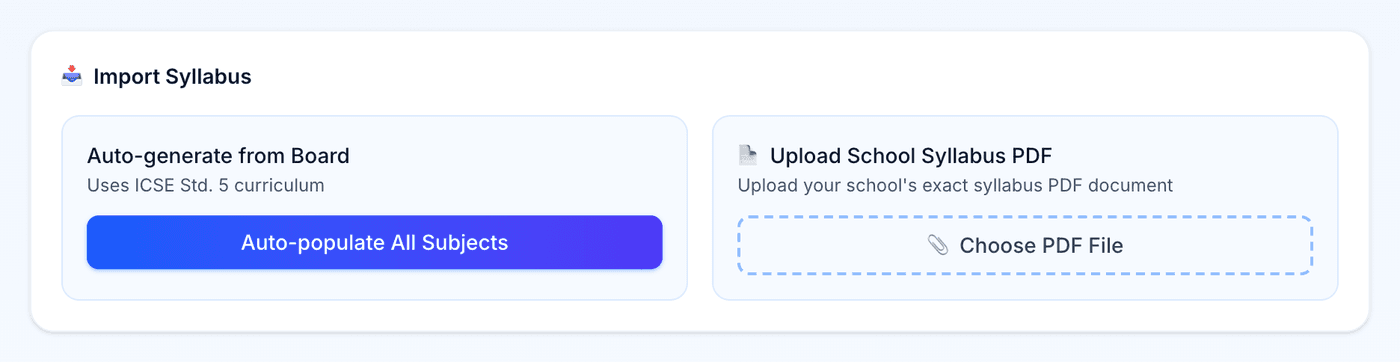
Help Center
Short guides for getting the most out of MyYoda.
Uploading a Syllabus (PDF/Photo)
If your school gives out a syllabus document, upload it instead of typing subjects by hand. On the Syllabus page, choose Upload School Syllabus PDF and select the file — subjects and topics are extracted automatically.
The import only adds subjects that don’t already exist for that child, so it’s safe to run more than once. You’ll see a summary of how many subjects were added and how many were skipped.
If another parent at the same school and grade has already uploaded a textbook photo for a subject, you may be offered that shared syllabus instead — it’s usually more accurate than a generic one.