← MyYoda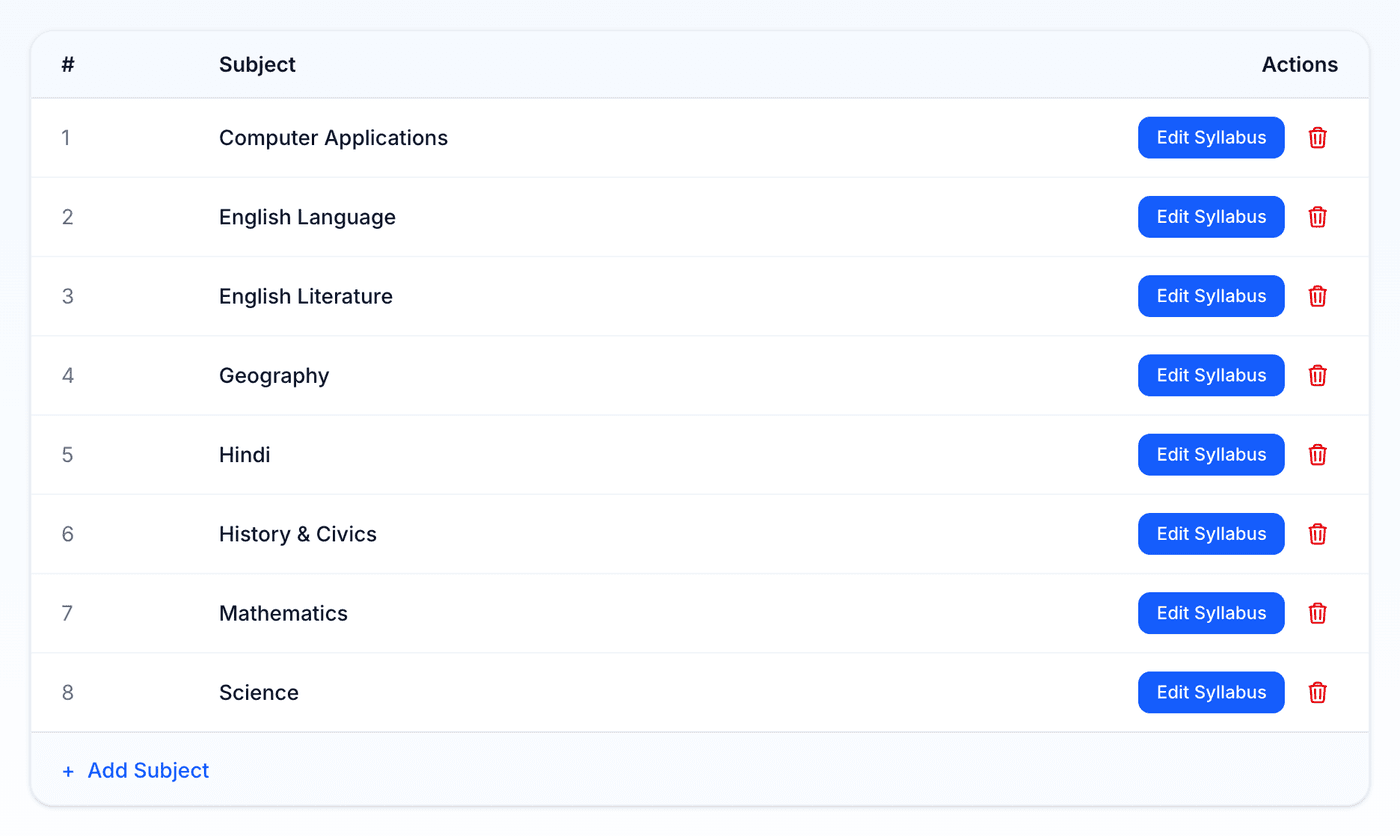
Help Center
Short guides for getting the most out of MyYoda.
Setting Up a Syllabus
Before generating worksheets, a child needs at least one subject with a syllabus. Open Syllabus from the menu, pick the child, and add a subject with its topics — one topic per line.
Don’t want to type it all out? Click Auto-populate All Subjects to fill in a full subject list from your child’s board and grade curriculum. This replaces the current list — subjects that already have worksheets are always kept.
You can edit any subject’s topics later, or delete a subject you no longer need. See Uploading a Syllabus (PDF/Photo) for importing your school’s own document instead.