← MyYoda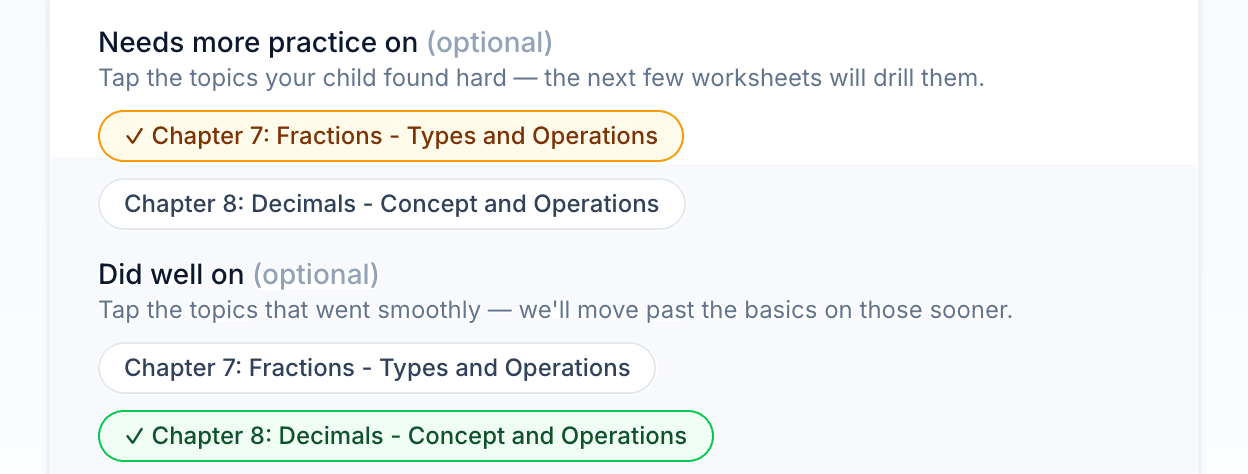
Help Center
Short guides for getting the most out of MyYoda.
Practice Topics & Reporting a Problem
When you rate a worksheet, tap the topics your child found hard under Needs more practice on. The next few worksheets on those topics revisit the same ideas with fresh questions, at the same difficulty or a little easier, until you rate one Just Right or Too Easy (or after three worksheets).
Tap topics under Did well on to tell us the basics are covered — future worksheets move past them sooner on those topics.
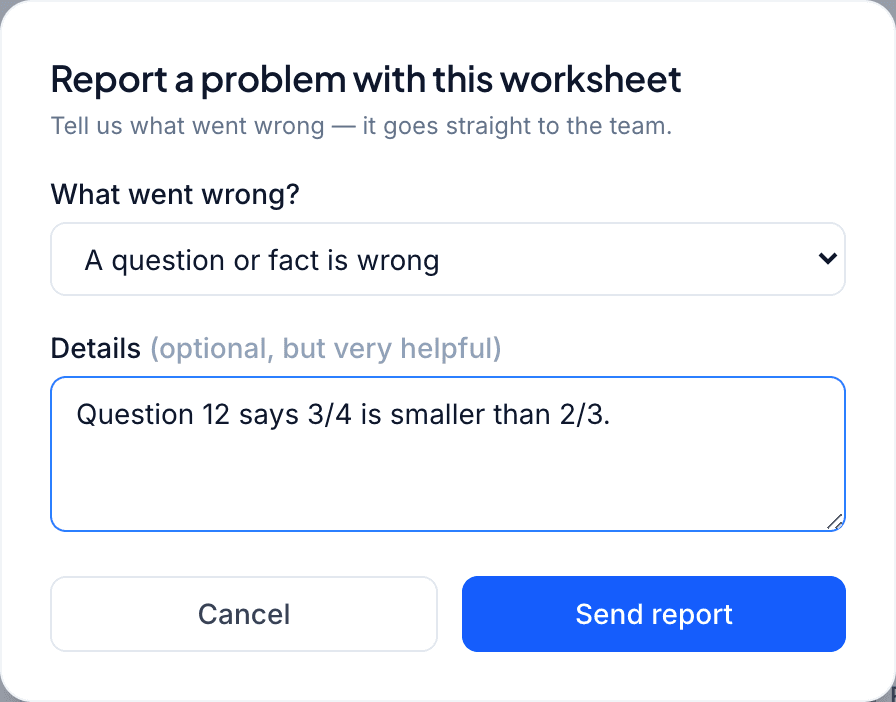
If a worksheet has a problem — a question that isn’t what the textbook covers, a wrong fact, too much repetition, or a display issue — tap Report on the worksheet (under ⋯ on a phone). Choose a reason, add details if you can, and it goes straight to the MyYoda team.
- Reports don’t change the worksheet or your child’s difficulty level
- A short note about which question was wrong is the most useful thing you can add