← MyYoda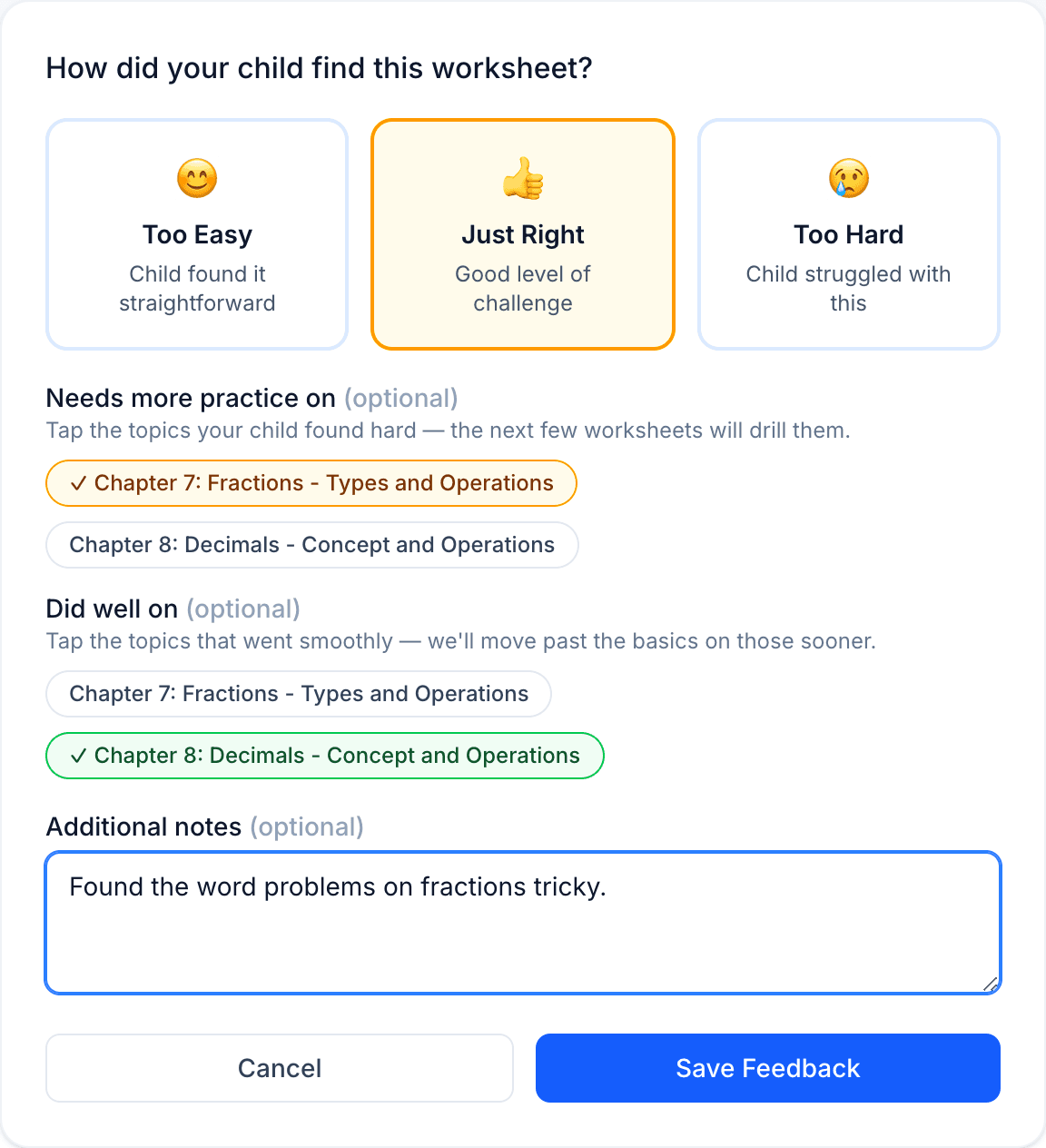
Help Center
Short guides for getting the most out of MyYoda.
Giving Feedback
After generating a worksheet, you can rate it as Too Easy, Just Right, or Too Hard, with an optional note. This is the main way MyYoda learns the right difficulty for your child.
Below the rating, tap any topics under Needs more practice on or Did well on — no typing needed. See Practice Topics & Reporting a Problem for what these do.
You may be prompted to rate the last worksheet before generating a new one on the same subject — this is just a reminder and can be skipped. Feedback already given can be updated any time: open the worksheet from Past Worksheets and choose Update feedback.