← MyYoda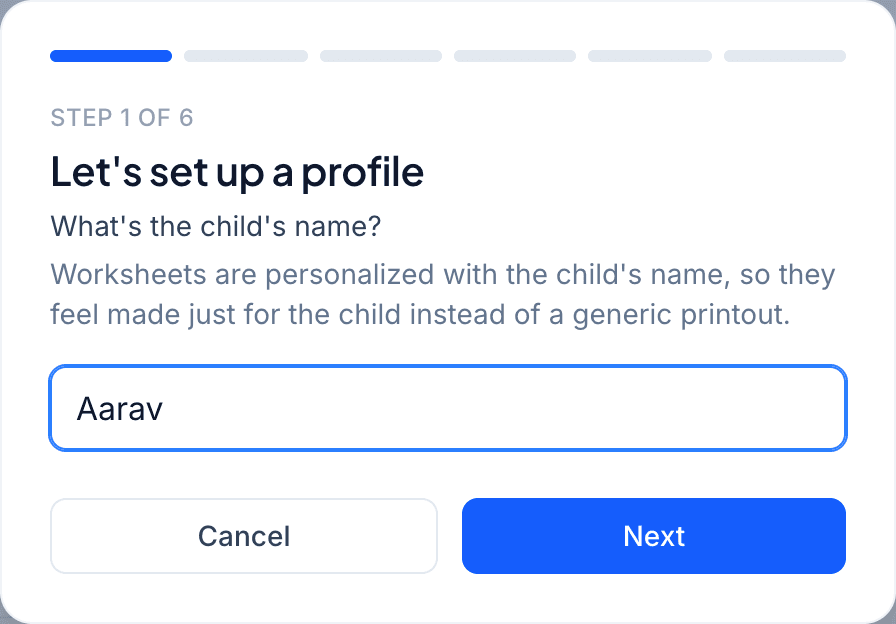
Help Center
Short guides for getting the most out of MyYoda.
Adding & Managing Children
My Children (in the menu) lists every child on your account. Click + Add Child to create a profile with their name, age, grade and board — this is used to tailor worksheet difficulty and match the right curriculum.
Linking a school (if it’s in our directory) lets you share syllabus uploads with other parents at the same school and grade, so you don’t have to type it out yourself.
- Edit a child’s details any time from their card
- Promote a child to the next grade at the start of a new school year
- Removing a child does not delete their past worksheets