← MyYoda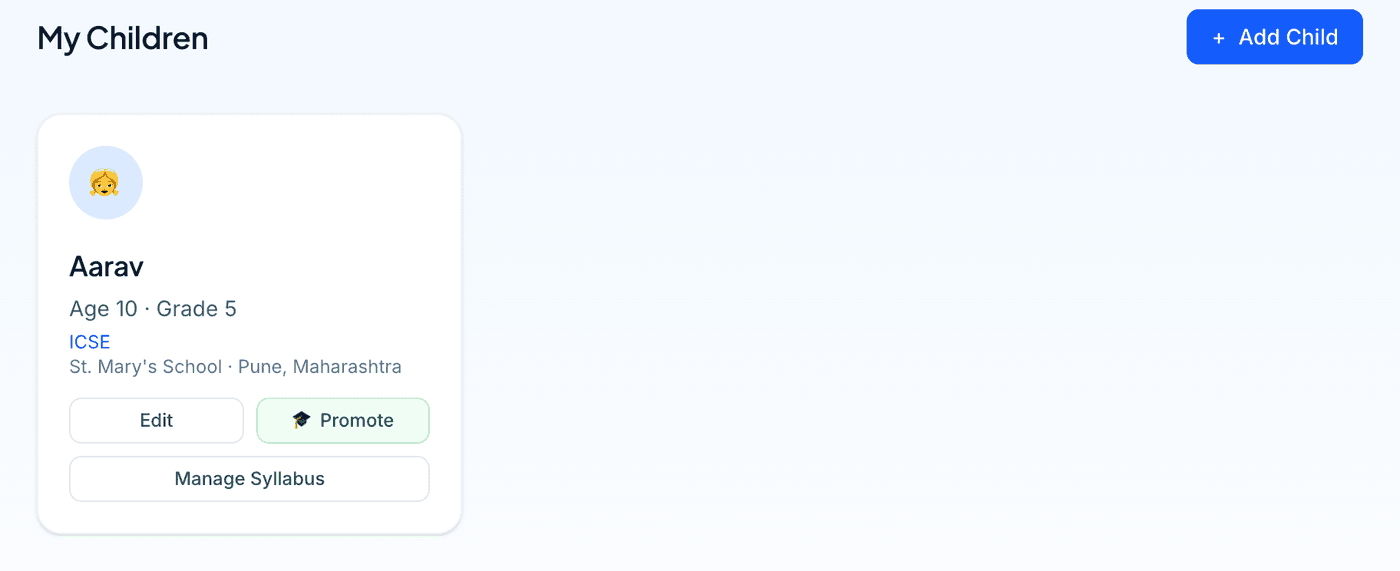
Help Center
Short guides for getting the most out of MyYoda.
Getting Started
MyYoda generates personalised worksheets for your children based on their grade, board and syllabus. Every new account starts with a one-time free trial, so you can try it out before subscribing to a plan.
After signing up, the first thing to do is add a child from My Children in the menu — their name, age, grade and board. This takes less than a minute and unlocks the rest of the app.
Once a child is added, set up their syllabus, then head to Create Worksheet to generate your first worksheet. See Adding & Managing Children and Creating a Worksheet for the next steps.