Help Center
Short guides for getting the most out of MyYoda.
Uploading Textbook Chapters
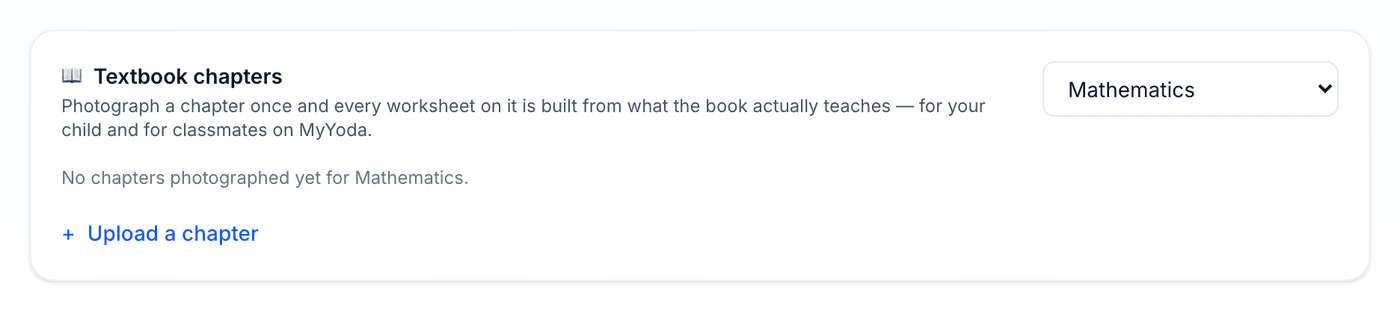
On a paid plan you can photograph the pages of a textbook chapter once, and every worksheet on that chapter is then built from what the book actually teaches — its facts, definitions, methods and the way it words things.
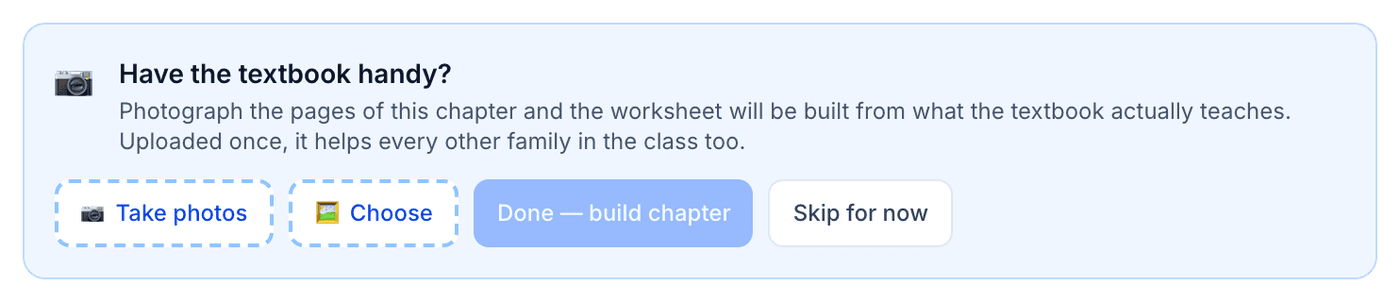
You’ll be offered this on Create Worksheet when a selected topic has no chapter yet (it’s always skippable), or you can upload chapters at leisure from the Textbook Chapters section on the Syllabus page. Take clear, well-lit photos with the whole page in frame — a blurry page is rejected so you can retake it.
- Photos are read and then discarded — MyYoda never stores the images, only notes about what the chapter covers
- Handwriting on the pages is ignored
- Topics with a chapter show a 📖 Textbook marker, and grounded worksheets say so
- Chapters are shared with other families at the same school and grade, so one upload helps the whole class
Missed a few pages? Use + Add pages on the Syllabus page to rebuild the chapter with them. Chapters expire at the start of a new academic year, when you’ll be asked to upload the current book.