← MyYoda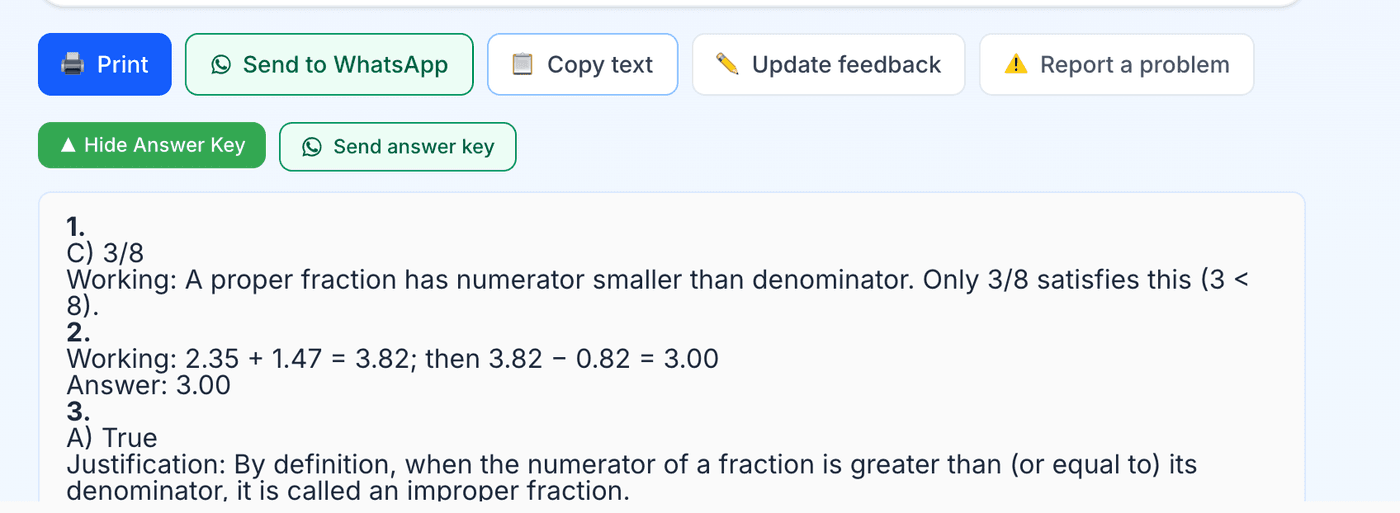
Help Center
Short guides for getting the most out of MyYoda.
Answer Keys
Every worksheet has an answer key, generated on demand rather than upfront. Tap Answer Key on the worksheet result, or open any worksheet from Past Worksheets and tap it there.
Answer keys are free — they’re included with your trial or plan, never charged separately. Once generated, the key is saved with the worksheet: tap Answers to see it again, or Send Answers to get it on WhatsApp.
Answer keys take about 10–20 seconds to generate, since each question is worked through and double-checked before being shown.